Order History and Order Management
There are two order views available:
- My Orders - shows orders placed from your individual user account
- Company Orders - shows orders placed under your company account
In both sections, you can see key order information such as order number, company name, order total, order status, and order date.
To view more information, click on an order. The order details page will show product details, quantities, payment information, shipping status, order history, and available documents such as invoices.
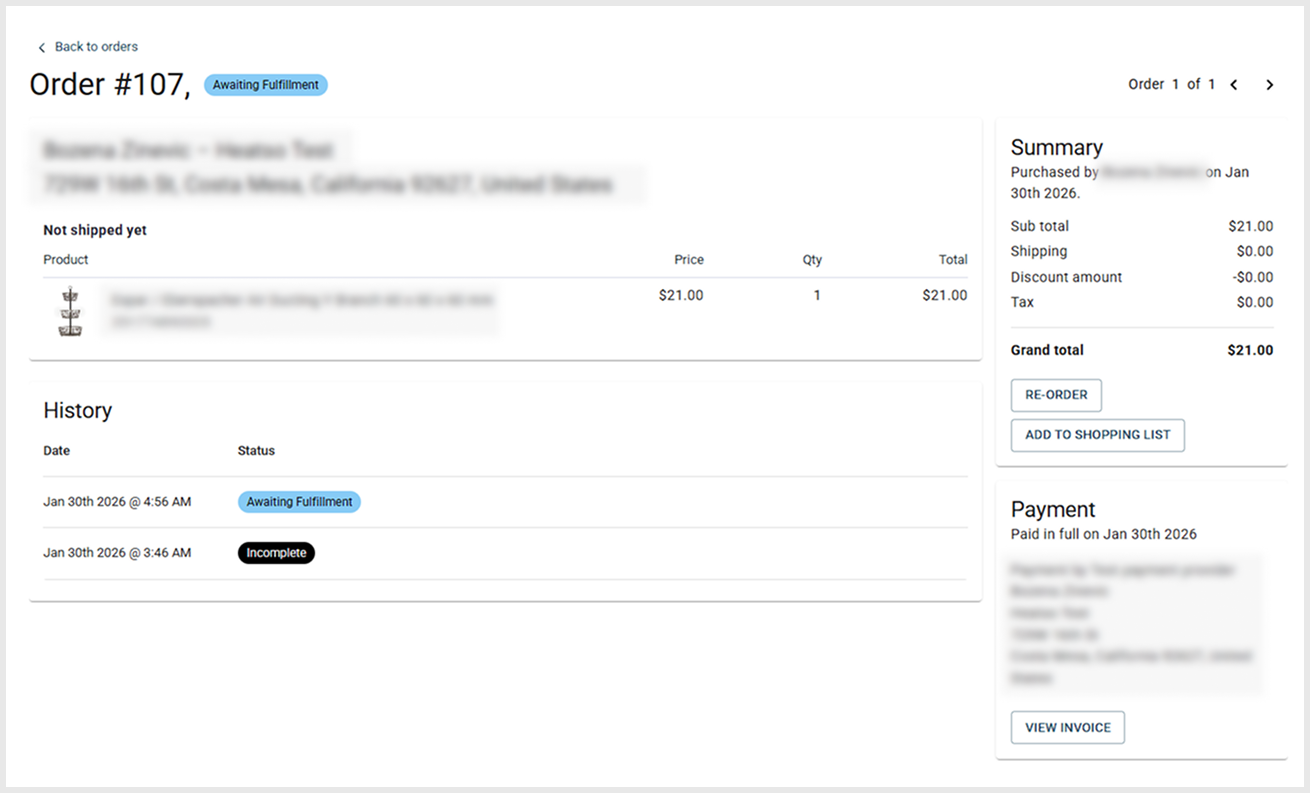
From the order details page, you can also reorder products or add items to a shopping list.
Was this article helpful?
That’s Great!
Thank you for your feedback
Sorry! We couldn't be helpful
Thank you for your feedback
Feedback sent
We appreciate your effort and will try to fix the article