How to Access Your Heatso B2B Account
You can access your Heatso B2B account in two ways, depending on how your account was created.
If You Registered Yourself
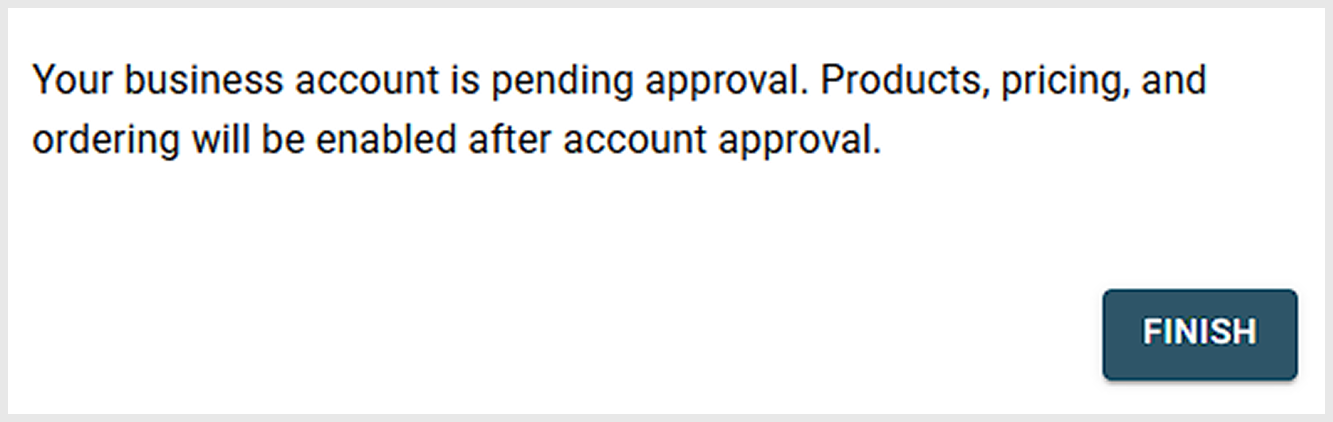
After submitting your registration, your account needs to be approved by Heatso.
Once approved, you will receive an email. Follow the instructions in the email to set your password (if required), then log in using your email and password
Note: Approval times may vary. If your account is urgent, please contact Heatso support.
If You Received an Invitation from Heatso
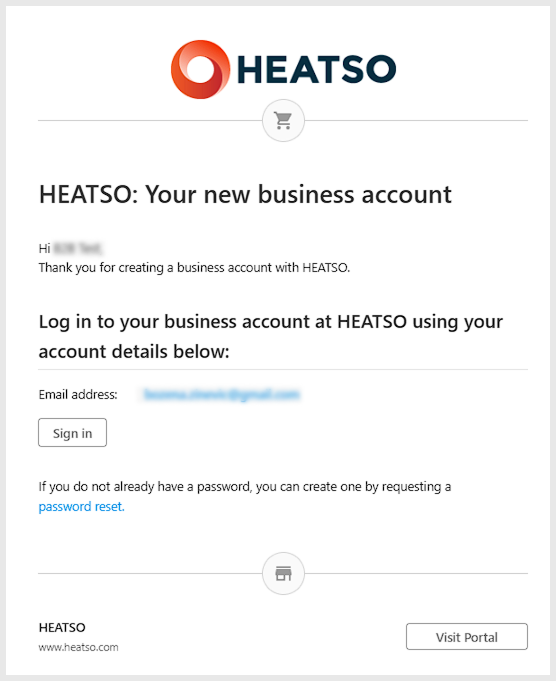
Open the invitation email and click Sign In or Password reset.
Set your password, then go to the login page and sign in.
Log In to Your Account
- Go to the login page
- Enter your email and password
- Click Sign In
Can’t Access Your Account?
If you registered but can’t log in yet, your account may still be under review.
If you forgot your password, you can reset it here.
If you received an invitation but can’t find the email, check your spam folder.
If you still have issues, contact Heatso support.
Was this article helpful?
That’s Great!
Thank you for your feedback
Sorry! We couldn't be helpful
Thank you for your feedback
Feedback sent
We appreciate your effort and will try to fix the article